AvaTrade trading journal: the costs hide in the spread
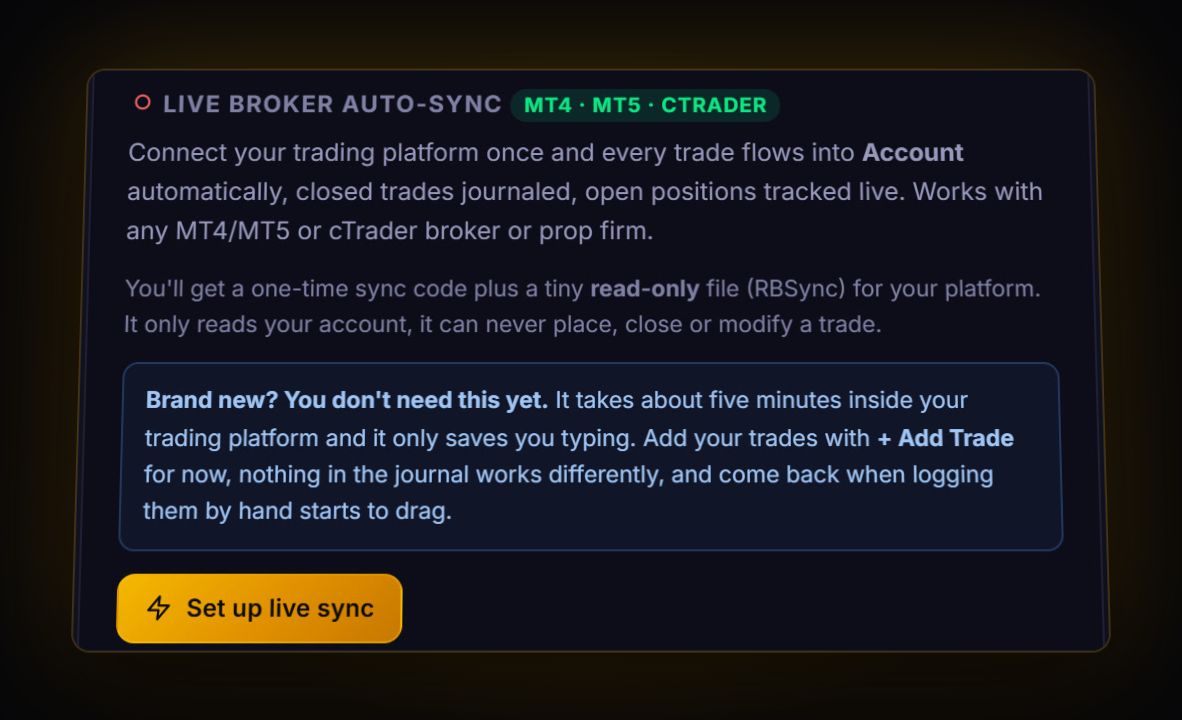
AvaTrade runs MT4 and MT5 next to its own WebTrader and AvaTradeGO app. The MetaTrader accounts sync live into the journal with RBSync. For a file, AvaTrade's help gives the MT4 steps: open the Terminal, go to Account history, right-click, Save as report. Two things set AvaTrade apart: its servers run on GMT, and on the pricing we could find, your costs come through the spread, not a commission line.
Exporting from MT4
- Open the Terminal window: View > Terminal.
- Click the Account history tab and right-click inside it. Choose All History or a custom period first.
- Right-click again > Save as report > Save.
The report opens in your browser as HTML. AvaTrade suggests printing it to PDF for records. Do not convert it for the journal: import the HTML file itself, which the journal reads directly. MT5 works the same way from the History tab, with an Excel option too.
Reports in My Account are for cash
AvaTrade's My Account has Reports > Transaction History, which downloads as an encrypted PDF (the password is your client ID). That report covers money in and out, not trades. Use it to check deposits and withdrawals against the journal's balance, not as a trade import.
AvaOptions is different: its Reports > Reports screen with type Account Statement can be exported to Excel with a right-click. Options trades have their own logic, so if you trade AvaOptions, keep them in a separate journal account and import through the column mapper.
GMT servers make time simple
AvaTrade says its servers are based on GMT, or UTC, as you see on the MetaTrader charts. Most brokers run GMT+2 or GMT+3, so their files need converting. AvaTrade's do not. Set UTC in the journal's settings and your hour-of-day heatmap is correct from the first import.
Measuring a cost you cannot see
We could not find a commission-based account on AvaTrade's site, so treat your costs as built into the spread. That means your journal's commission total will read zero. That is not a free lunch; it is a hidden one. Here is how to estimate it:
- Note the typical spread on the pairs you trade, in pips. AvaTrade publishes its spreads.
- Multiply by pip value and lot size. A 0.9 pip spread on 1 lot of EURUSD is about 9 USD per round trip.
- Multiply by the number of trades in a month.
A trader taking 120 one-lot EURUSD trades a month at that spread pays around 1,080 USD in spread. That number belongs next to your monthly P&L, even though no report shows it. If you want it inside the journal, add it as commission on manual entries, or simply review it monthly.
Live: RBSync EA on MT4 or MT5. File: the MT4 or MT5 HTML report, or MT5 Excel, read directly. WebTrader and AvaTradeGO have no documented export, so trades placed there need manual entry or a copied table through the column mapper.
What to look at once it is in
- Average win in pips. Compare it to your spread. If your average winner is under five times the spread, the spread is a large part of your edge.
- Hour of day. Spreads widen at rollover and in thin hours. With GMT timestamps, check results by hour and avoid the expensive ones. Our trading hours guide shows when liquidity is best.
- R. MT history keeps your stop, so R works straight away.
If you trade both MT4 and the app
Many AvaTrade clients place most trades on MT4 and the odd one from AvaTradeGO while away from the desk. If both use the same MetaTrader account, the RBSync EA still sees every trade, because it reads the account, not the app you clicked in. If the app trades sit on a separate WebTrader account, give that account its own journal account and log its trades by hand. Mixing them makes your MT4 stats look better or worse than they are.
Quick answers
How do I export my AvaTrade trade history?
In MT4 open View, Terminal, then Account history, right-click and choose Save as report. Import the HTML file into the journal.
What time zone are AvaTrade servers?
AvaTrade says its servers are based on GMT, or UTC, as shown on the MetaTrader charts.
Why does my AvaTrade journal show zero commission?
AvaTrade's pricing we could find is spread-based, so the cost is in the price you get, not a commission line. Estimate it from spread, lot size and trade count.
Does RBSync see trades I place from the AvaTrade app?
Yes, if the app trades go through the same MetaTrader account the EA is running on, because it reads the account itself. Trades on a separate WebTrader account need manual entry.
Sources
- AvaTrade: where can I see my trading history
- AvaTrade: what time zone are the servers based on
- AvaTrade: transaction history report
- AvaTrade: trading platforms offered
Last checked: 8 October 2026. Brokers move menus and change fees without notice, so confirm the current steps and costs on AvaTrade's own site before you rely on them.
Your broker history, finally readable
Import your file, see your R, sessions and fees in one place. The free plan holds 50 trades.
Start free, no card