Broker and platform journal guides
Pick your broker or platform below. Each guide shows you exactly where the trade history export lives, what the columns mean, the traps that quietly break your stats, and how the file lands in the RB Trading journal. No sign-up needed to read any of it.
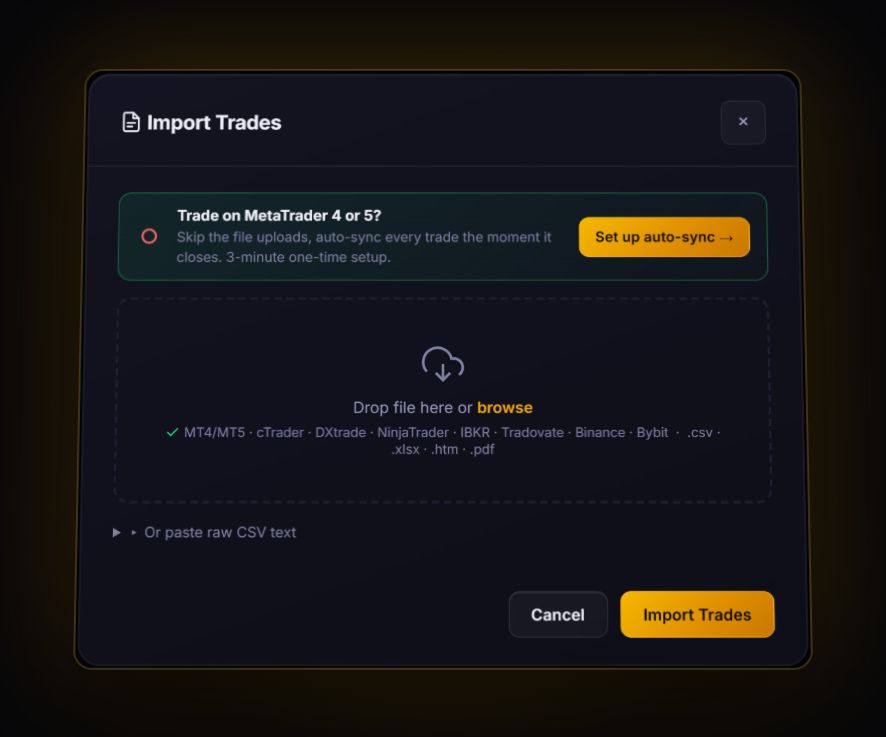
Two routes exist, and we label every card honestly. Live sync means MetaTrader 4, MetaTrader 5 or cTrader with our free read-only RBSync add-on: trades arrive on their own seconds after they close. File import means you export a file from the broker and drop it in. Some formats have a dedicated parser; everything else goes through the column mapper, where you tag each column once and the journal remembers it for next time.
Before you export anything: check what time zone your broker stamps trades in. MetaTrader servers usually run on GMT+2 in winter and GMT+3 in summer, US stock brokers usually use New York time. If you skip this, every session and hour-of-day stat in any journal will be shifted, and you will draw the wrong conclusions.
Forex and CFD brokers
Most of these run MetaTrader or cTrader, which means you can skip exports entirely and sync live. The pages cover the broker's own statements too, because that is where the commission and swap figures you will want to check actually live.
Futures brokers and platforms
Futures exports are usually fills, one row per execution, not finished trades. Each guide shows how the platform lays them out, and the one-row-per-trade layout that brings in your real dollar results.
Stocks and options brokers
Stock brokers mostly export transactions for tax, not trades for review. Each guide shows which report actually has the per-trade rows and what to cut before you import it.
Trading platforms
If your broker hands you a platform rather than its own portal, the platform guide is the one you want.
What every export has in common
Whatever the broker, a usable trade file needs four things: a symbol, a time, a direction or side, and either a realised P&L or enough prices and quantities to work it out. Exports come in two shapes:
- Round trips: one row per finished trade with an open and close time and price. MetaTrader, cTrader, Match-Trader, TradeLocker and eToro work this way. These import as they are.
- Fills: one row per execution. A trade you scaled out of in three pieces is four rows. Interactive Brokers, most US stock brokers and most futures platforms work this way. The journal pairs fills first in, first out, per symbol, and anything left unmatched stays as an open position.
The layout that always imports
If your broker's file will not import cleanly, rebuild it in a spreadsheet as one row per closed trade with these headers. We tested this exact layout against the journal's importer, for a futures short and a stock long, and every field landed where it should. It is also the fix for futures fills, because the dollar result goes in the Profit column and nothing has to be worked out from point values.
| Symbol | Direction | Open Time | Close Time | Entry Price | Exit Price | Size | Profit | Commission |
|---|---|---|---|---|---|---|---|---|
| NQ | Short | 2026-10-01 14:31:05 | 2026-10-01 14:40:10 | 21000.00 | 20990.00 | 1 | 200 | 4.50 |
| AAPL | Long | 2026-10-01 09:31:00 | 2026-10-01 10:00:00 | 150 | 155 | 10 | 50 | 1 |
Three rules make it work: dates as yyyy-mm-dd hh:mm:ss, symbols as one word with no spaces (US500, not "US 500"), and the futures root rather than the full contract code (NQ, not NQZ26).
Stop loss and take profit are the field most people expect and rarely get. Most broker statements only record SL and TP on positions that are still open, so closed history from a file usually arrives without them. You add the stop on the trades you care about, and from then on the journal can show the trade in R. MetaTrader and cTrader are the exceptions: their history keeps the S/L and T/P columns.
Not sure what R means or why it matters more than dollars? Read R-multiples explained, or check a single trade with the R-multiple calculator.
Bring your history in
Sync MetaTrader or cTrader live, or drop in a file from any broker above. The free plan holds 50 trades.
Start free, no card