Tickmill trading journal, one account at a time
Tickmill's FAQ makes one point worth repeating: each trading platform shows the balance and history only for that specific account, while the Client Area gives an overview of all of them. For a journal, that means one journal account per Tickmill account. Sync MT4 and MT5 accounts live with RBSync; for Tickmill Trader, use a file and the column mapper.
Why one journal account per Tickmill account
Traders often run a Raw account for scalping and a Classic account for swing trades, or a live account next to a demo. Pour them all into one journal account and every stat becomes an average of different strategies, sizes and fee models. Create a journal account for each Tickmill login, give it the same name, and set its starting balance. Then each sync or import goes to the right place.
Live sync for MT4 and MT5
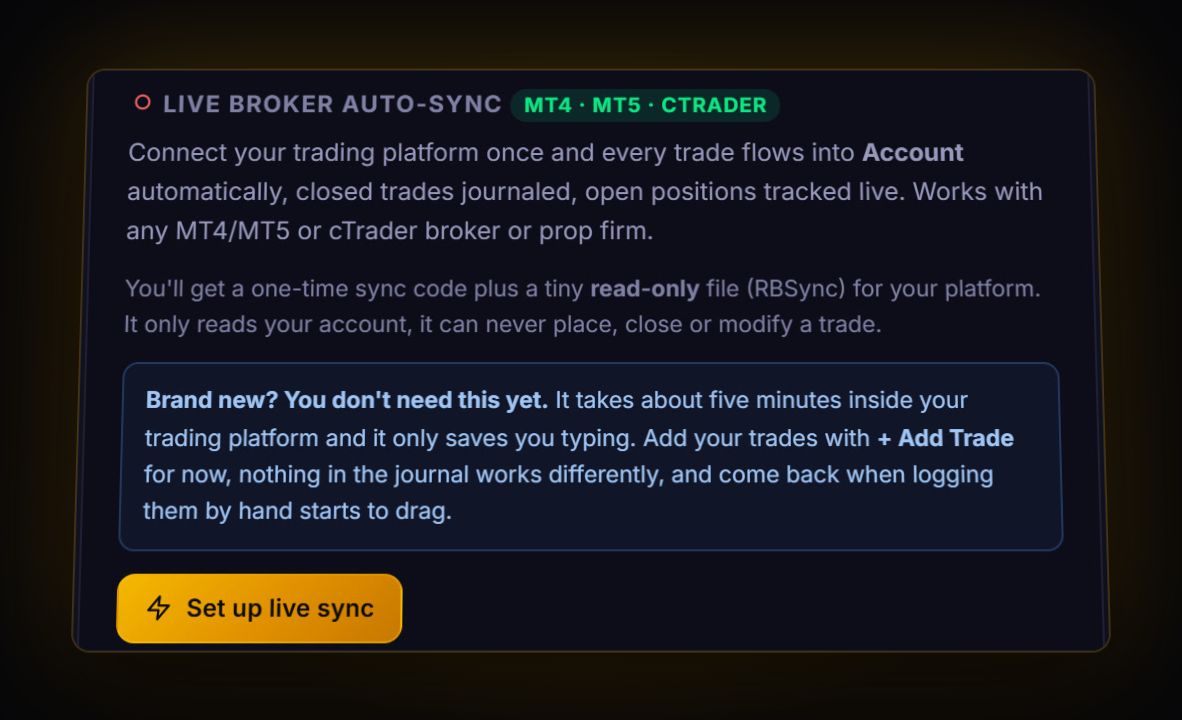
Attach the RBSync EA to one chart in each terminal and give it that account's sync code. Each closed trade arrives with ticket, prices, stop, target, commission and swap. It reads only; it cannot place trades. Running two Tickmill accounts? Two terminals, two codes, two journal accounts.
Exporting a report
- MT4: Terminal > Account History > right-click > Custom Period > right-click > Save as Report (HTML).
- MT5: Toolbox > History > Positions > right-click > Report > HTML or Excel.
Tickmill's client agreement describes the account statement as available through the trading platform and normally updated every business day, and it says the Client Area gives the overview across accounts. Tickmill does not publish menu steps for a Client Area export, so the platform report is the reliable file.
Tickmill Trader
Tickmill's own web and app platform has an account statement view with a custom time range. Tickmill does not document a file format for it. If you can download a CSV, import it through the column mapper. If you can only view it, copy the table into a spreadsheet and save as CSV.
Raw commission, checked on a real trade
Tickmill lists Raw commission as US$3 per side per lot, or the equivalent in your account currency, on FX and precious metals. A 2 lot XAUUSD trade should show US$12 commission round trip. After your first sync or import, open that trade and check. If it shows US$12, your fee totals are complete.
Commission on Tickmill's TradingView connection is listed differently, so if you trade both ways, tag trades by platform and compare.
Server time
Tickmill describes server time as GMT+2, or GMT+3 during daylight saving, switching with New York, for example back to GMT+2 on 2 November 2025. Live sync stores UTC. File imports keep server time, so a 10:00 server time trade in summer is 07:00 UTC.
Live: RBSync EA on each MT4 or MT5 account. File: MT HTML or MT5 Excel report, read directly. Tickmill Trader files go through the column mapper.
What to compare across accounts
- Net R per account. Raw against Classic shows whether commission or wider spreads cost you more for your style.
- Drawdown per account. A combined view hides a bad account behind a good one. See our maximum drawdown guide.
- Gold separately. XAUUSD moves in dollars, not pips. Size it with the position size calculator.
Demo first, then live
A good way to test your setup is to run RBSync on a Tickmill demo account for a week. Check that trades arrive with the commission you expect, then move the EA to the live terminal with the live account's code. Keep the demo journal account: comparing how you traded the same setups on demo and live is one of the most revealing reports a journal can give you.
Quick answers
Where can I find my Tickmill trading history?
On the trading platform for each account, or in the Client Area for an overview of all accounts. Export the platform's history report to import it into a journal.
Can Tickmill sync live to a journal?
Yes, MT4 and MT5 accounts sync through the read-only RBSync EA. Use one journal account per Tickmill account.
What is Tickmill Raw account commission?
Tickmill lists US$3 per side per lot, or the equivalent in your account currency, on FX and precious metals.
What time zone is Tickmill server time?
Tickmill describes server time as GMT+2, or GMT+3 during daylight saving, switching with New York.
Sources
- Tickmill: where can I find my account balance and trading history
- Tickmill: Raw account
- Tickmill: commission on the Raw account
- Tickmill: daylight saving schedule changes
Last checked: 8 October 2026. Brokers move menus and change fees without notice, so confirm the current steps and costs on Tickmill's own site before you rely on them.
Your broker history, finally readable
Import your file, see your R, sessions and fees in one place. The free plan holds 50 trades.
Start free, no card