Eightcap trading journal: MetaTrader, TradingView and the cost of Raw
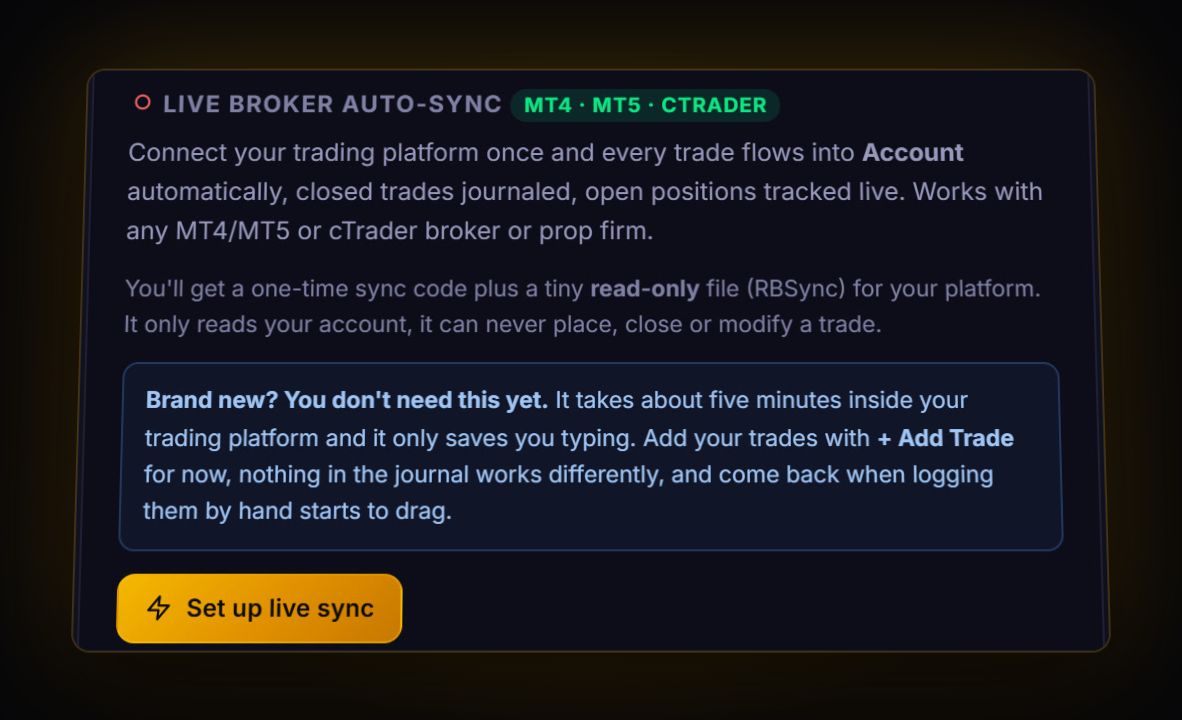
Eightcap gives you MT4, MT5 and TradingView. If you trade through MetaTrader, RBSync syncs every closed trade into the journal live. If you trade through TradingView, export your history from the Trading Panel and import it. Either way, the number worth checking first is commission: Eightcap's Raw account charges USD 3.50 per lot per side, and on small targets that is a real share of your edge.
MetaTrader: sync or report
With RBSync on your MT4 or MT5 terminal, there is nothing to export. If you want a file anyway, the MetaTrader route is the same as any broker: MT4 Account History, right-click, set the period, Save as Report; MT5 History, Positions view, right-click, Report, HTML or Excel. The journal reads all of these directly.
Eightcap's FAQ has also pointed clients to a Reports tab in their Eightcap account for the complete trading history. The FAQ page has moved since, so we could not confirm the current menu. The MetaTrader report is the dependable route.
TradingView
When you connect your Eightcap account to TradingView and trade from charts, the TradingView export gives you a history file. Our TradingView guide walks through it. Import it through the column mapper. Do not also import the same trades from MetaTrader if the account is the same; you will double count. The journal flags likely duplicates, but it is easier not to create them.
Eightcap Challenges is a different place
If you trade an Eightcap Challenges prop account, its history lives in that dashboard. Eightcap's challenge FAQ says the Reports tab holds the complete history, and commissions and swap fees appear under Recent Trade History on the Dashboard. Keep challenge accounts separate from your brokerage account in the journal, and set the challenge rules on that account so daily loss room shows on every trade.
What Raw commission does to your break-even
Eightcap lists Raw at USD 3.50 per side, so 7 USD per lot round trip. Here is what that means on a EURUSD scalp with a 4 pip target and a 4 pip stop at 1 lot:
| Before fees | After 7 USD | |
|---|---|---|
| Winner | +40 USD | +33 USD |
| Loser | -40 USD | -47 USD |
| Break-even win rate | 50% | 47 / 80 = 59% |
Nine extra percentage points of win rate, just to stand still. Double the target and stop to 8 pips and the break-even drops to about 54%. A journal makes this visible because it shows net results across hundreds of trades, not one at a time.
Server time
Eightcap's pages disagree a little on detail, but the pattern is GMT+2 in winter and GMT+3 while New York is on daylight saving. Live sync stores UTC using the offset the EA sends, so you do not need to work it out. For file imports, keep in mind the timestamps are server time.
Live: RBSync EA on MT4 or MT5. File: MT HTML or MT5 Excel report, read directly; TradingView export through the column mapper.
What to look at once it is in
- Average winner in pips. If it is under about 8 pips on Raw, fees are a big slice. Consider wider targets.
- Net R by setup. Some setups survive fees and some do not. The journal's setup table shows which.
- Challenge rules. For Eightcap Challenges, the prop firm drawdown calculator shows your room for the day.
One route per account
Pick how each Eightcap account reaches the journal and stick to it. Live sync is best for MetaTrader. A TradingView export is right if TradingView is where you place trades. Doing both for the same account means every trade can arrive twice from two sources with different IDs. The journal's duplicate check catches most of these, but a clean rule is easier than cleaning up afterwards.
Quick answers
Can I sync Eightcap to a trading journal?
Yes, for MT4 and MT5 accounts, using the read-only RBSync EA. TradingView trades need a file export.
What is Eightcap Raw account commission?
Eightcap lists USD 3.50, EUR 2.75 or GBP 2.25 per standard lot per side, depending on account currency.
Where is my Eightcap Challenges trade history?
In the Challenges dashboard. Eightcap says the Reports tab holds the complete history and the Dashboard shows commissions and swap fees.
Should I import TradingView history and sync MetaTrader for the same Eightcap account?
No. Use one route per account. Two routes can create duplicate trades with different IDs.
Sources
- Eightcap: account options
- Eightcap Challenges: troubleshooting FAQ
- MetaQuotes: MT5 trading history report
Last checked: 8 October 2026. Brokers move menus and change fees without notice, so confirm the current steps and costs on Eightcap's own site before you rely on them.
Your broker history, finally readable
Import your file, see your R, sessions and fees in one place. The free plan holds 50 trades.
Start free, no card