XM is a MetaTrader broker. That makes journaling easy
XM's trading runs on MetaTrader 4 and MetaTrader 5, so every XM account can feed a journal live through the RBSync add-on, with no exports at all. If you would rather import history once, the file comes from the MetaTrader History tab: an HTML report from MT4, or an HTML or Excel report from MT5. Both import directly.
Why live sync is the obvious choice at XM
Brokers with their own platforms force you into exports. XM does not have that problem. The RBSync EA sits on a chart in MT4 or MT5, reads your account, and sends each closed trade with its ticket, symbol, prices, stop, target, commission and swap. It cannot place or change trades. It also sends the server's GMT offset, so the journal stores true UTC times.
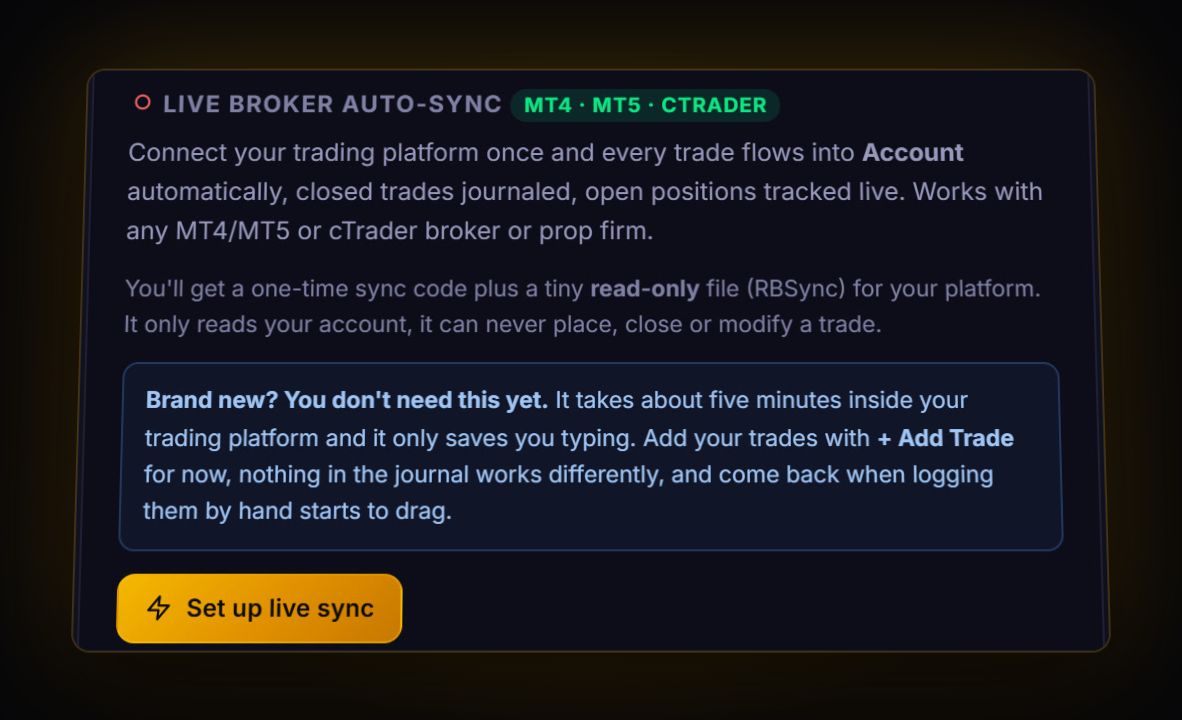
Mobile-only traders are the exception: an EA needs desktop MetaTrader running somewhere, on your computer or a VPS. If you only trade from the XM app, use the report export below once a week.
Exporting a report by hand
MT4
- Open the Terminal window (Ctrl+T) and the Account History tab.
- Right-click, choose All History or Custom Period.
- Right-click again and pick Save as Report. Save the HTML file.
MT5
- Open the Toolbox (Ctrl+T) and the History tab. Switch the view to Positions.
- Set the period, then right-click > Report > HTML or Excel.
MetaQuotes notes that in MT5 a deal's result is its profit minus commission, fees and swap. Import the Positions view rather than Deals, so each trade is one row with both legs together.
Checking XM commission on your trades
XM's costs document describes its Zero account commission as 3.5 USD per 100,000 traded, charged on the open and on the close and deducted when you open. XM's own example: 3 lots of USDJPY costs 2 x 3.5 x 3 = 21 USD. Note that XM's Australian disclosure says Zero accounts are no longer offered there, and account types vary by region, so check what yours charges.
Once your trades are in, the journal shows total commission and commission as a share of gross profit. Pick a 3 lot trade and confirm 21 USD. If it matches, your fee stats can be trusted.
Symbol suffixes
XM, like many MT brokers, can add suffixes to symbols depending on the account type. The journal stores a clean base symbol, so EURUSD with or without a suffix counts as one pair in your stats, while keeping the broker's raw name on the trade.
Live: RBSync EA on MT4 or MT5. File: the MT4 HTML report or the MT5 HTML or Excel report, read by the journal's MetaTrader parser with no mapping.
What to review first
- R per trade. MetaTrader keeps your S/L, so the journal can show every trade in R straight away.
- Swap on held trades. Rollover is at 00:00 server time. Sort by holding time and compare.
- Size discipline. Compare your lot size on losers and winners. If losers are bigger, it is usually revenge sizing. Plan the next one with the position size calculator.
Running the EA on a VPS
RBSync only sends trades while MetaTrader is open. If you close your computer at night, trades that close overnight arrive when you open MetaTrader again, because the EA catches up from your history. If you want them in the journal as they happen, run MetaTrader on a VPS. Either way nothing is lost.
Quick answers
Can I connect XM to a trading journal automatically?
Yes. XM accounts run on MT4 or MT5, and the read-only RBSync EA sends every closed trade to the RB Trading journal within seconds.
How do I export my XM trade history?
From MetaTrader: MT4 Account History, right-click, Save as Report; or MT5 History, right-click, Report, then HTML or Excel.
How is XM Zero account commission calculated?
XM's costs document gives 3.5 USD per 100,000 traded on both the open and the close, so 3 lots costs 21 USD round trip.
Do I lose trades if MetaTrader is closed?
No. When MetaTrader opens again, the EA catches up from your account history and sends what closed while it was off.
Sources
- MetaQuotes: MT5 trading history report
- XM: costs and charges (PDF)
- XM Australia: product disclosure statement (PDF)
Last checked: 8 October 2026. Brokers move menus and change fees without notice, so confirm the current steps and costs on XM's own site before you rely on them.
Your broker history, finally readable
Import your file, see your R, sessions and fees in one place. The free plan holds 50 trades.
Start free, no card