Fidelity trade history, out of Active Trader Pro and into a journal
Fidelity's clearest export for traders is in Active Trader Pro: open the History tool, set your filters, wait until every record has loaded, then right-click the tool to export. Fidelity's help notes the export only becomes available once all records are loaded, so on a long range give it a moment. History goes back roughly five years; older years live in statements.
Exporting from Active Trader Pro
- Open the History tool.
- Set the filters: Date (a preset or Custom), Transaction type (choose trades) and, if you want, Symbol.
- Wait for every record to load. Fidelity says export is enabled only after all records are loaded.
- Right-click inside the tool and export your transaction history.
Fidelity's help gives history depth as about four years and ten months, with older history in statements, which are kept online for ten years. The help page does not name the export file type. If yours saves as something other than CSV, open it in a spreadsheet and save it as CSV.
What about Fidelity.com?
The Activity & Orders area on Fidelity.com shows trading and money movement history. Fidelity does not document a download there in the pages we found, so we point you to Active Trader Pro, where the export is documented.
Preparing the file
Filtering to trades at the export step does most of the work. Then:
- Check the side column. The journal needs a header it recognises as buy or sell, such as Side or Action. The reader looks for the words buy and sell in that column, and the header name matters too. If the column that says whether you bought or sold has another name, rename it to Action. If its values say Bought and Sold rather than Buy and Sell, use find and replace to change them: the reader looks for buy and sell, and bought and sold do not contain them.
- Price and quantity. Make sure both columns are present and headed Price and Quantity.
- Dates. Fix them as below.
Fix the dates before you import. The journal reads dates like 2026-10-01 09:31:00 reliably. US style dates with a time attached, such as 10/1/26 09:31:00, can come through unreadable, which breaks calendar and session stats. In Excel or Google Sheets, select the date column and apply the custom format yyyy-mm-dd hh:mm:ss, then save as CSV.
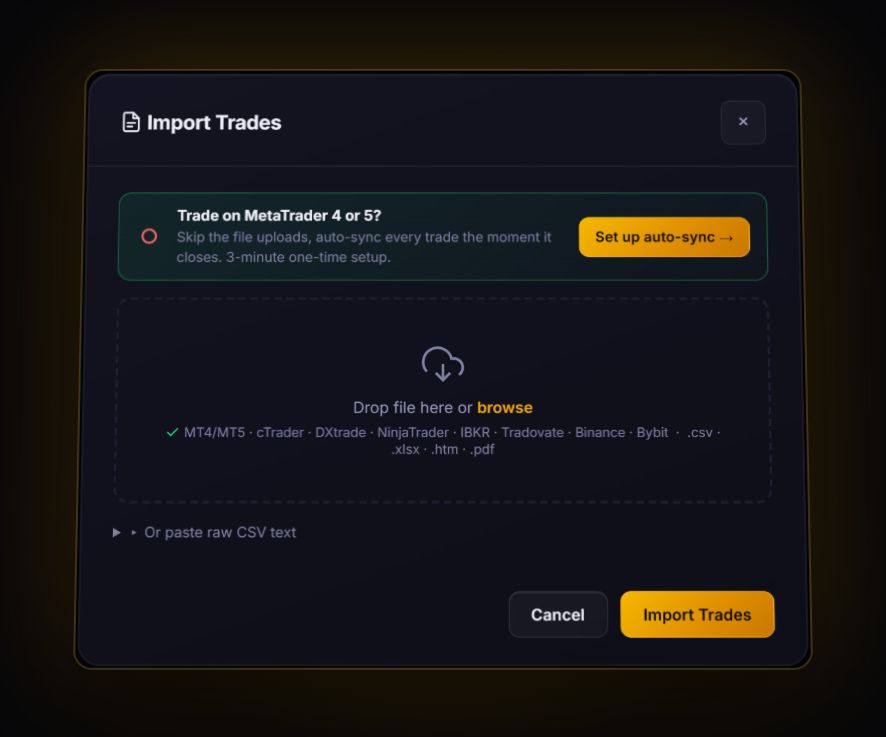
With a side or action column, quantity and price, the journal reads the file as fills and pairs buys and sells first in, first out per symbol. Unmatched shares stay open. Other layouts go to the column mapper. No live sync for Fidelity.
A worked example
Say your export shows: buy 200 XYZ at 40.00, sell 100 at 42.00, sell 100 at 39.50. First in, first out gives two trades from one position: +200 dollars on the first 100 shares and -50 on the second. Most traders remember this as "a small winner". The journal shows what really happened: you were right, then gave back a quarter of it by holding the second half. That pattern, repeated, is worth knowing about.
What to review
- Scale-out results. As above, compare first and second exits.
- Long-term holds versus trades. Put investments in a separate journal account so they do not drown out your trading stats.
- Drawdown. Our maximum drawdown guide explains how to measure it properly.
Retirement and taxable accounts
Many Fidelity customers trade in more than one account type. Export each account on its own, and give each its own journal account. Trading behaviour in a retirement account, where you cannot add money freely, is often different from a taxable account. Seeing them side by side is useful; seeing them blended is not.
Quick answers
How do I export trade history from Fidelity?
In Active Trader Pro open the History tool, set the date and transaction type filters, wait for all records to load, then right-click the tool to export.
How far back does Fidelity trade history go?
Fidelity's Active Trader Pro help describes about four years and ten months of history. Older activity is in statements.
Why is the Fidelity export option greyed out?
Fidelity enables export only after all records have loaded. Wait, or shorten the date range.
Can I import several Fidelity accounts into one journal?
Yes, but import each into its own journal account so their stats stay separate. The journal can still show them combined when you want.
Sources
Last checked: 8 October 2026. Brokers move menus and change fees without notice, so confirm the current steps and costs on Fidelity's own site before you rely on them.
Your broker history, finally readable
Import your file, see your R, sessions and fees in one place. The free plan holds 50 trades.
Start free, no card