Robinhood activity report into a journal, with one small edit
Robinhood's export for a journal is the Account activity report: Account (Menu on mobile) > Reports and statements > Account activity report > Generate new report. Pick the account and dates and Robinhood prepares a CSV, usually in about two hours and up to twenty-four. It is a transaction list, not a trade list. Rename the buy and sell code column to Side, and the journal pairs your fills into trades.
Generating the report
- Go to Account (on mobile, Menu), then Reports and statements.
- Choose Account activity report, then Generate new report.
- Under Customize your report, pick the account type, start date and end date. Press Generate report.
- When it is ready, download it from Reports.
Robinhood says the report covers all brokerage and retirement transactions but excludes futures, crypto and spending accounts. Monthly statements are PDFs and are not importable.
The one edit that makes it work
A transaction list mixes trades with dividends, transfers, interest and fees. The journal can pair the trades if it can see three things in the header: a side, a price and a quantity. Robinhood does not document its column names, and if your file marks buys and sells in a code column rather than one called Side, the journal will not recognise it.
- Open the CSV in a spreadsheet.
- Find the column that holds Buy and Sell. Rename its header to Side.
- Make sure there are columns headed Price and Quantity.
- Save as CSV.
We tested this. With the code column left as it was, two rows came in as two meaningless entries with zero P&L. Renamed to Side, the same rows paired into one trade: 10 shares bought at 150 and sold at 155, a 50 dollar win. Rows that are not buys or sells, such as dividends, are skipped automatically, and dollar signs and brackets in amounts are handled.
What this report cannot tell you
Time of day. If your activity report only has dates and no times, every trade lands at midnight. Daily and weekly stats are fine. Session and hour-of-day stats will be meaningless, so ignore that chart for Robinhood imports, or add times by hand for the trades you care about.
Options size. Options rows use their own codes and descriptions. If they pair, P&L is calculated from prices without the 100x multiplier, so check one before trusting the totals.
Stops. No broker export carries the stop you had in mind. Add it on trades you review and the journal shows R.
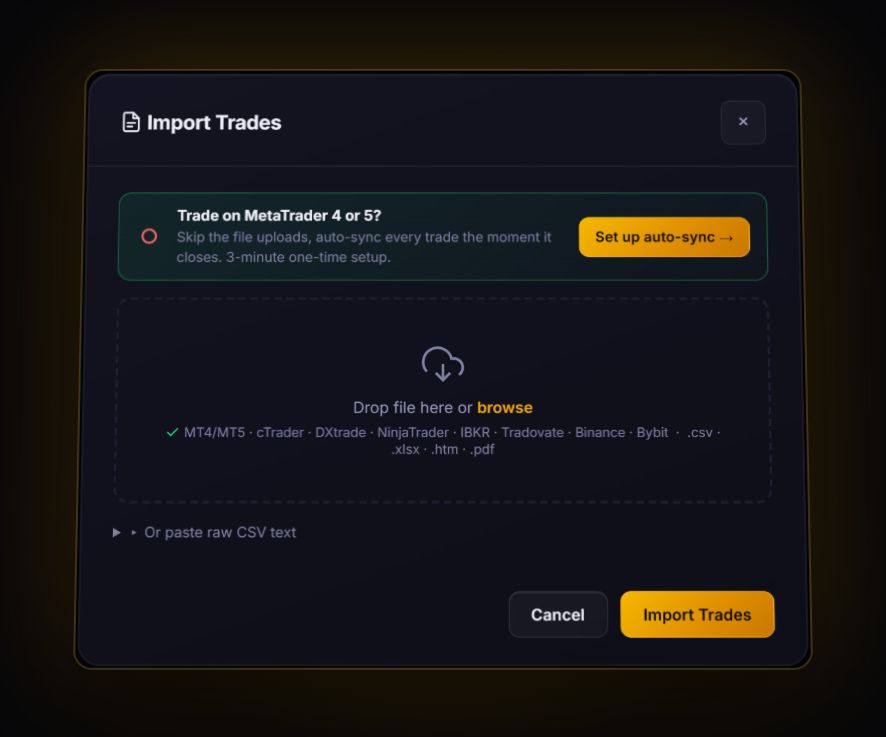
Import the edited CSV. The journal reads it as fills and pairs buys and sells first in, first out per symbol, leaving unmatched shares as open positions. No live sync for Robinhood.
What to review
- Holding period. Robinhood accounts often mix quick trades and long holds. Tag them separately.
- Biggest losers. Sort by P&L. The worst five trades usually explain the year.
- Drawdown. See what a bad run costs with the drawdown recovery calculator.
A monthly routine that takes ten minutes
Because the report takes up to a day to prepare, request it on the first of each month for the previous month. When it arrives, rename the header, import it, and spend five minutes on three questions: what was my biggest loser and why, did I follow my plan on the five largest positions, and which trades would I not take again. Writing one line per answer in the journal's notes builds a record you can actually learn from.
Quick answers
How do I export my Robinhood trade history?
Go to Account, Reports and statements, Account activity report, Generate new report. Pick dates and download the CSV when it is ready, usually within two hours.
Why won't my Robinhood CSV import as trades?
The journal needs a header called Side for buy and sell. Rename the column that holds Buy and Sell to Side and import again.
Does the Robinhood report include crypto?
No. Robinhood says the account activity report excludes futures, crypto and spending accounts.
How long does the Robinhood report take?
Robinhood says reports are usually ready in about two hours and can take up to 24 hours.
Sources
Last checked: 8 October 2026. Brokers move menus and change fees without notice, so confirm the current steps and costs on Robinhood's own site before you rely on them.
Your broker history, finally readable
Import your file, see your R, sessions and fees in one place. The free plan holds 50 trades.
Start free, no card