IC Markets trading journal: sync it once, check the fees
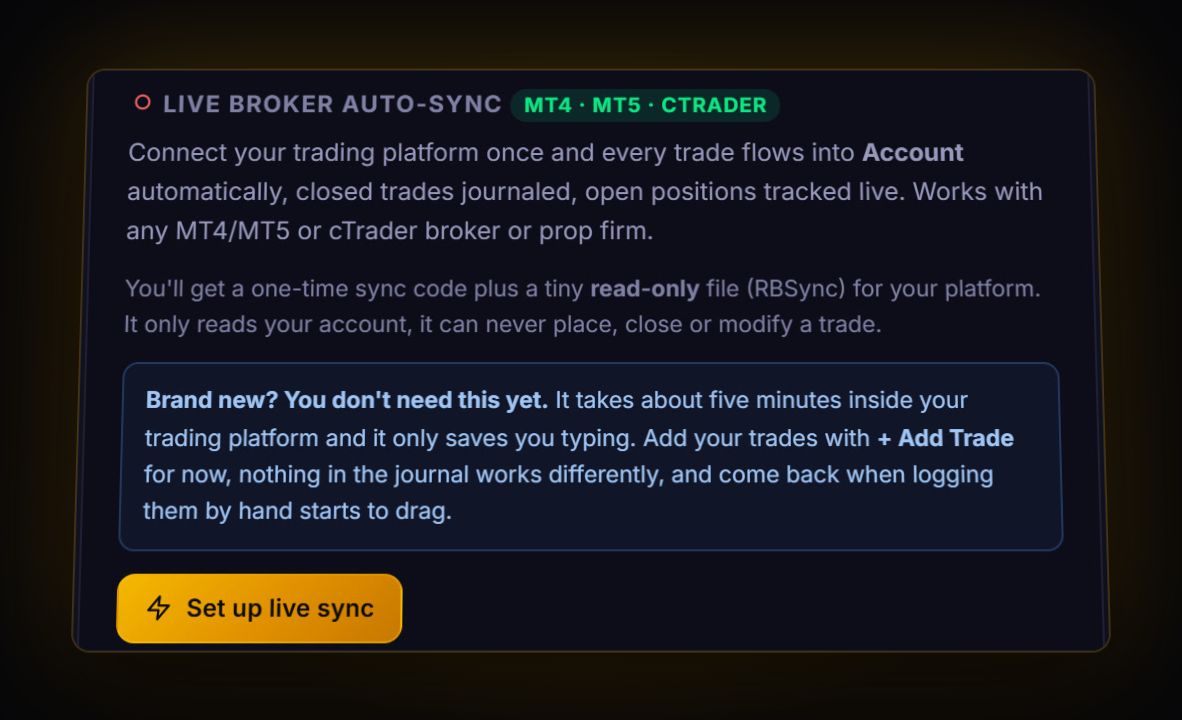
IC Markets (now at ic.com) runs MetaTrader 4, MetaTrader 5 and cTrader, so you do not need to export anything. Install the free read-only RBSync add-on in the platform you use and every closed trade lands in the journal within seconds, with commission and swap attached. If you want a one-off history import instead, the export lives in the terminal's History tab, not the IC client area, which only lists deposits and withdrawals.
Route 1: live sync (recommended)
On MT4 or MT5, RBSync is an Expert Advisor; on cTrader it is a cBot. Both only read your account. They cannot open, change or close a trade. Setup takes about five minutes and is shown step by step inside the journal under Settings. Once it runs, each trade arrives with its ticket, prices, stop, target, commission and swap.
One detail matters a lot for IC Markets traders: MetaTrader reports times in server time, which IC says is GMT+2, or GMT+3 when daylight saving is in effect, and cannot be changed. The RBSync EA sends the server's offset with each trade and the journal converts to UTC, so your session and hour-of-day stats are true wherever you live.
Route 2: export a history file
IC's help centre says statements are generated inside the terminal from the History tab, with a right-click to save the report. The exact menus:
- MT4: Terminal > Account History > right-click > All History (or Custom Period) > right-click > Save as Report. You get an HTML file.
- MT5: Toolbox > History > right-click > Report, then HTML or Excel (XLSX). Pick the Positions view first so each row is a whole trade.
- cTrader: History tab > Statement, which opens an HTML or XLSX statement, then Save.
The journal reads MetaTrader HTML reports, MT5 Excel reports and cTrader's history CSV directly. No mapping needed.
How IC Markets fees appear in the data
This is where IC traders get confused, because the same account type charges the same money but books it differently on each platform. Straight from IC's FAQ:
| Platform | When commission is booked | What you will see |
|---|---|---|
| MT4 | All of it at the opening of the trade | The full round-turn commission on the trade row |
| MT5 | Per side, on opening and on closing | Two commission deals, rounded to 2 decimals |
| cTrader | Per trade | A separate Commissions column next to Swap |
On the Raw Spread account IC lists commission at $3.50 per standard lot per side, $7 round turn in USD. Swaps are charged at rollover, 00:00 server time, and the Wednesday night rollover is charged triple.
Worked example: what fees cost a scalper
You trade 2 lots of EURUSD on Raw, aiming for 5 pips with a 5 pip stop. Commission is 2 x $7 = $14 per round trip. At $10 a pip per lot, a 5 pip win is $100 and a 5 pip loss is $100. After fees, a win is $86 and a loss is $114. Your break-even win rate is no longer 50%: it is 114 / (86 + 114) = 57%. That gap is invisible on any single trade and obvious in a journal after fifty.
What to check once your trades are in
- Commission as a share of gross profit. The journal shows it on the analytics page. Scalpers on Raw often find it is a quarter or more.
- Wednesday holds. Filter to trades held over Wednesday's rollover and compare swap against your other days.
- R by session. With server time converted, look at results by London, New York and Asia. Most traders have one session that pays and one that quietly takes it back. Our trading hours guide explains what each session tends to do.
Quick answers
Can I auto-sync IC Markets to a trading journal?
Yes. IC Markets runs MT4, MT5 and cTrader, and the RBSync add-on reads closed trades from any of them and sends them to the RB Trading journal within seconds. It is read-only.
Where do I download my IC Markets trade history?
Inside the trading terminal, from the History tab with a right-click to save the report. The IC client area's transaction history only covers deposits and withdrawals.
Why does MT5 show two commission entries per trade at IC Markets?
IC charges commission per side on MT5, once when you open and once when you close. On MT4 the whole commission is booked at the opening.
Sources
- IC Markets: client area FAQ
- IC Markets: help centre
- MetaQuotes: MT5 trading history report
- cTrader help: History tab and statements
Last checked: 8 October 2026. Brokers move menus and change fees without notice, so confirm the current steps and costs on IC Markets's own site before you rely on them.
Your broker history, finally readable
Import your file, see your R, sessions and fees in one place. The free plan holds 50 trades.
Start free, no card