Coinbase trading journal: statements, recurring buys and perps
Coinbase exports trading history as statements: Profile › Settings › Accounts › Statements, then generate a custom statement filtered by asset, transaction type and dates, in CSV. History goes back to when you opened the account. Filter the file to buys and sells, rename the key columns, and import it into the journal through the generic CSV mapper.
Last checked: 8 October 2026. Exchange menus, fees and rules change, so confirm on the exchange’s own site before you rely on them.
Most Coinbase users are not day traders. They buy on a schedule, hold for months, and occasionally trade on Coinbase Advanced. That changes what a journal is for. Instead of grading entries to the tick, you are tracking average cost, the real price of fees on small purchases, and whether the trades you make outside the plan help or hurt.
Export a statement
- Click your profile picture and open Settings › Accounts › Statements. On mobile it sits under Account and settings.
- Monthly statements are already there in HTML, PDF or CSV. For a journal, use Generate custom statement instead.
- Choose the asset (or all assets), the transaction types, and the date range. Pick CSV and generate.
Statements cover the regular Coinbase app and Coinbase Advanced trades. Coinbase’s help pages do not publish the column list, so open the file before you do anything else and look at the header row.
Clean the file before importing
A statement mixes trades with everything else your account did: sends, receives, staking rewards, conversions. Only trades belong in a trading journal.
- Keep only buy and sell rows. Delete transfers, rewards and deposits. Treat a conversion from one coin to another as a sell of the first and a buy of the second, or leave it out and note it.
- Rename the headers so the journal’s mapper recognises them: the asset column to
Symbol, the buy or sell column toSide, the amount of coin toQuantity, the price per coin toPrice, the fee column toFee, and the timestamp toTime. - Check the price column is the price per coin, not the total. If only a total is given, divide it by the quantity.
A file with symbol, side, quantity and price on every row is read as a fill export. The journal pairs buys and sells first in, first out, and the buys you still hold show as an open position.
What a recurring buy really costs
You buy $50 of BTC every week. Say the statement shows a fee of $0.99 on each buy plus a spread inside the price. The fee alone is 0.99 ÷ 50 = 1.98% of every purchase.
Over a year that is 52 × $0.99 = $51.48 in fees on $2,600 invested, and every coin you hold had to rise almost 2% before you broke even.
Switching to $200 every four weeks, at the same flat fee, costs 13 × $0.99 = $12.87, under 0.5%. The fee here is a made-up round number. Your statement shows the real one, which is exactly why you log it on every row.
Coinbase Advanced uses maker and taker fees that depend on your 30-day volume, and Coinbase shows your current rates when you are signed in. Use those numbers, not a figure from a blog.
Coinbase futures and perp-style contracts
Coinbase offers derivatives through different entities depending on where you live. Its regulated derivatives, including US perpetual-style futures, are open to eligible customers in the US, Canada and most of the EEA, while Coinbase’s international derivatives serve eligible non-US regions only. Two details matter for a journal:
- Funding is hourly on US perpetual-style futures, paid on the hour, and accrued funding settles to your derivatives cash account on weekdays. A position held over a weekend builds up funding that only shows in your balance on Monday.
- They are not truly perpetual. The US contracts carry a long-dated expiry in December 2030, so the name and expiry on your statement will look different from an offshore perp.
Derivatives statements come from the same Statements area or via Visit Statements on the Orders tab, with a custom report filtered by contract, transaction type and dates, in CSV or PDF. Positions show a funding column. Add the funding for each trade to the journal’s swap field so the net R includes it.
How to judge a Coinbase account in the journal
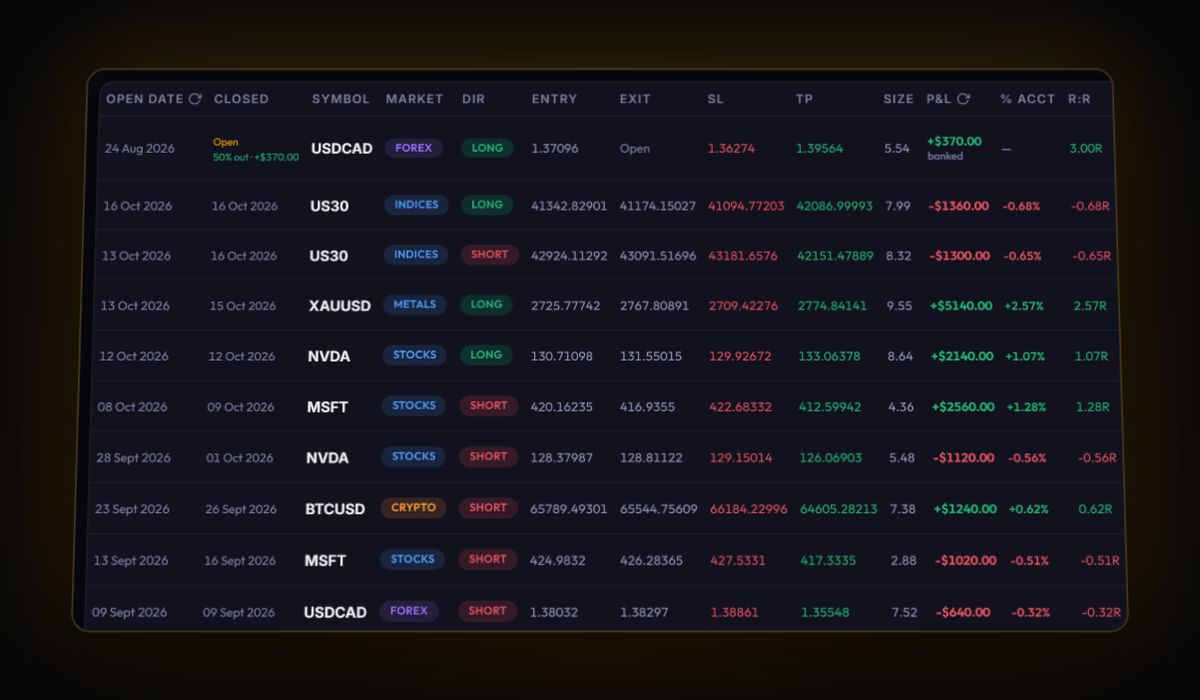
- Two accounts, not one. Put recurring buys on a long-term account and Advanced trades on a trading account. The All Accounts view combines them when you want one total.
- Tag the off-plan buys. Anything outside the schedule gets a tag. Six months later, filter by it and compare with the scheduled buys.
- Set the cost preset to Spot exchange or Custom with your Advanced taker rate, so trades you log by hand carry realistic fees.
Coinbase journal questions
How do I download my Coinbase trade history as a CSV?
Go to Settings, Accounts, Statements and generate a custom statement. Choose the asset, transaction types and date range, pick CSV, and download it.
Does Coinbase Advanced have its own export?
Advanced trades appear in the same Statements area as the rest of your account. Filter the custom statement to buy and sell transactions to get just the trades.
Can the journal import my Coinbase statement directly?
Yes, through the generic CSV mapper, after you remove non-trade rows and rename the columns to Symbol, Side, Quantity, Price, Fee and Time. There is no live Coinbase sync.
Sources
Track it in a journal that does the maths
Log the trade once. R, fees and the weighted average entry are worked out for you.
Start free, no card