OKX trading journal: three downloads, and only one has funding
On OKX go to Assets › Order center and download from one of three tabs. Order history and Trading history give you prices, fees and P&L. Only Position history includes the Funding Fee and Liquidation Clearance Fee columns, so it is the one to journal perpetual swaps from. Downloads come as CSV or PDF and reach back to 28 January 2021.
Last checked: 8 October 2026. Exchange menus, fees and rules change, so confirm on the exchange’s own site before you rely on them.
OKX splits your activity three ways, and the right file depends on what you trade. Spot traders want Trading history. Anyone holding perpetual swaps for more than a few hours wants Position history, because that is the only download where funding appears. Pick the wrong one and your futures results will look better than they were.
How to download
- On the website, open Assets › Order center.
- Choose Order history, Trading history or Position history, and click Download.
- Select the instrument type, date range, time zone and accounts, choose CSV, and export.
On the app: Trade › Spot or Futures › Trade history icon › Download icon, then pick the report type. You can view up to a year on screen, while downloads go back to 28 January 2021. There is also a Position snapshot report from 1 December 2022, one day at a time, useful for reconstructing what you held on a given date.
Choose your time zone deliberately. If your journal runs in your local time and the export is in UTC, trades near midnight land on the wrong day and your daily stats shift.
What each download contains
| Download | Key columns | Journal use |
|---|---|---|
| Order history | Order ID, Order Time, Instrument, Lvg, Side, Order Type, Filled Amount, Avg. Filled Price, PNL, Fee, Fee Unit, Status | One row per order. Good for entries and exits, shows leverage per order. |
| Trading history | Fills with PnL, Fee and Fee Unit | Spot trades. No funding column. |
| Position history | Pnl, Fee, Funding Fee, Liquidation Clearance Fee | Perpetual swaps. The complete cost of a held position. |
The Lvg column is a habit tracker
Order history records the leverage on every order. Leverage does not change your R if you size from the stop, but the pattern of leverage across your trades says a lot about your state of mind.
Your last 30 orders show leverage of 5x on 24 of them and 20x to 50x on the other 6. Filter those six. Suppose five of them came within an hour of a losing trade, and they averaged −1.6R against +0.3R for the rest.
The six high-leverage trades cost 6 × 1.6 = 9.6R. The other 24 made 24 × 0.3 = 7.2R. Net −2.4R, and one rule ("no leverage change within an hour of a loss") would have turned it into +7.2R.
The numbers are illustrative. Your own export will tell you whether you have the pattern.
Reading Position history for a perpetual swap
An ETH-USDT perpetual short shows Pnl +96.00, Fee −3.10 and Funding Fee +4.20. Positive funding means shorts were being paid. Your stop risked 40 USDT.
Net: 96.00 − 3.10 + 4.20 = 97.10, or 2.43R. Here funding helped, which is worth noting: a short into heavily positive funding gets paid to wait.
If the Liquidation Clearance Fee column is ever non-zero, the exchange closed that position for you. Log it as a liquidation, not a stop-out.
OKX funding defaults to every 8 hours at 00:00, 08:00 and 16:00 UTC. Some contracts use 1, 2 or 4 hours, and when the rate hits its cap the interval tightens a step, so a crowded trade can start costing you more often.
Importing OKX into the RB Trading journal
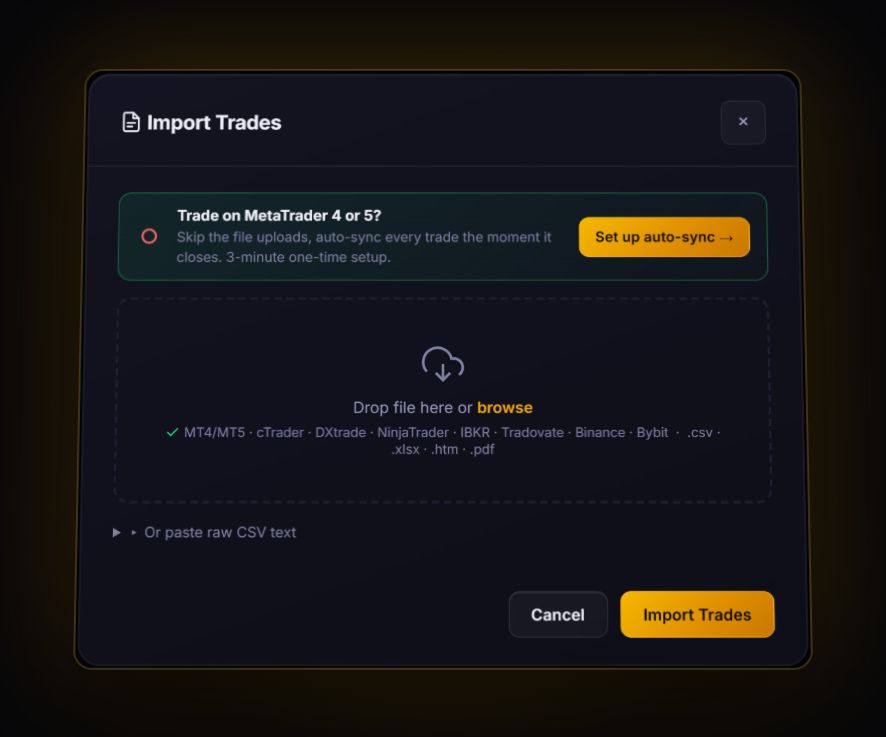
- Spot, from Trading history: the file has a side, a price and a filled amount on each fill. Make sure the instrument column is headed
InstrumentorSymbol, then import. The journal pairs buys and sells first in, first out into trades and shows what is left as an open position. - Swaps, from Position history: import through the generic mapper as closed trades. Map the open and close prices to
Open PriceandClose Price, the result toPnL, the fee toCommission, and renameFunding FeetoSwapso funding lands in the carry-cost field. - Fee Unit: if fees were charged in a coin rather than USDT, convert them before import so P&L is in one currency.
- Add the stop. Exchange exports rarely carry your planned stop. Enter it on each trade so R is calculated.
OKX’s global platform does not serve the United States. OKX US is a separate business with its own availability. Check which one your account is on.
OKX journal questions
Which OKX export includes funding fees?
Position history. It has Funding Fee and Liquidation Clearance Fee columns. Trading history and Order history do not include funding.
How far back can I download OKX trade history?
Downloads reach back to 28 January 2021, even though the screen only shows up to a year. Position snapshots are available from 1 December 2022, one day at a time.
What does the Lvg column in OKX order history mean?
The leverage set on that order. It does not change your R if you sized from your stop, but it is a useful record of when you raised leverage.
Sources
Track it in a journal that does the maths
Log the trade once. R, fees and the weighted average entry are worked out for you.
Start free, no card