FP Markets trades in a journal, the right way round
FP Markets runs MT4, MT5 and cTrader, all three of which sync live into the journal with RBSync. If you export instead, FP Markets' FAQ gives the steps: in Account History, right-click, choose Custom Period, enter your dates, then Save As Report. The custom period step is the one people skip, and it is why their imported history starts last month.
Why the custom period matters
MetaTrader's history tab shows whatever period was last selected, often just the last month or three. Save a report from that view and you get only that view. The journal will import it perfectly, and you will draw conclusions from a quarter of your trades. Always set the period first.
- Open the Account History tab (MT4) or History (MT5).
- Right-click and choose Custom Period. Enter the start and end dates and press OK.
- Right-click again and choose Save As Report (MT4) or Report (MT5). The statement opens as an HTML file. MT5 can also save Excel.
On cTrader use the History tab's Statement button to open an HTML or Excel statement, then save it. The journal reads MT HTML, MT5 Excel and cTrader CSV without any mapping.
Fees on FP Markets Raw
FP Markets lists Raw account commission at US$3 per lot each way, US$6 round turn, on FX and metals, with equivalents in other account currencies such as EUR 2.75 per side. On cTrader Raw, it lists commodities, indices and crypto at zero commission, so the cost there sits in the spread instead.
That last point changes how you read your stats. A cTrader index trade showing no commission was not free; you paid through the spread. When you compare FX and index results in the journal, compare net P&L in R, not commission totals.
Worked example
You trade 0.5 lot of GBPUSD on MT5 Raw. Commission is 0.5 x 6 = US$3 round turn. A 10 pip target pays 0.5 x 10 x 10 = US$50. Fees take 6% of that winner. Trade 3 lots for 3 pips and fees take 18 of 90: 20%. Smaller targets make fees a bigger part of your edge.
Server time and swaps
FP Markets' MT4 and MT5 servers run GMT+2, or GMT+3 while New York is on daylight saving. Swaps are applied at 00:00 server time, which is 5 PM New York. Live sync converts to UTC for you. A file import keeps server time, so if you mix the two on one account, expect a two or three hour difference between them.
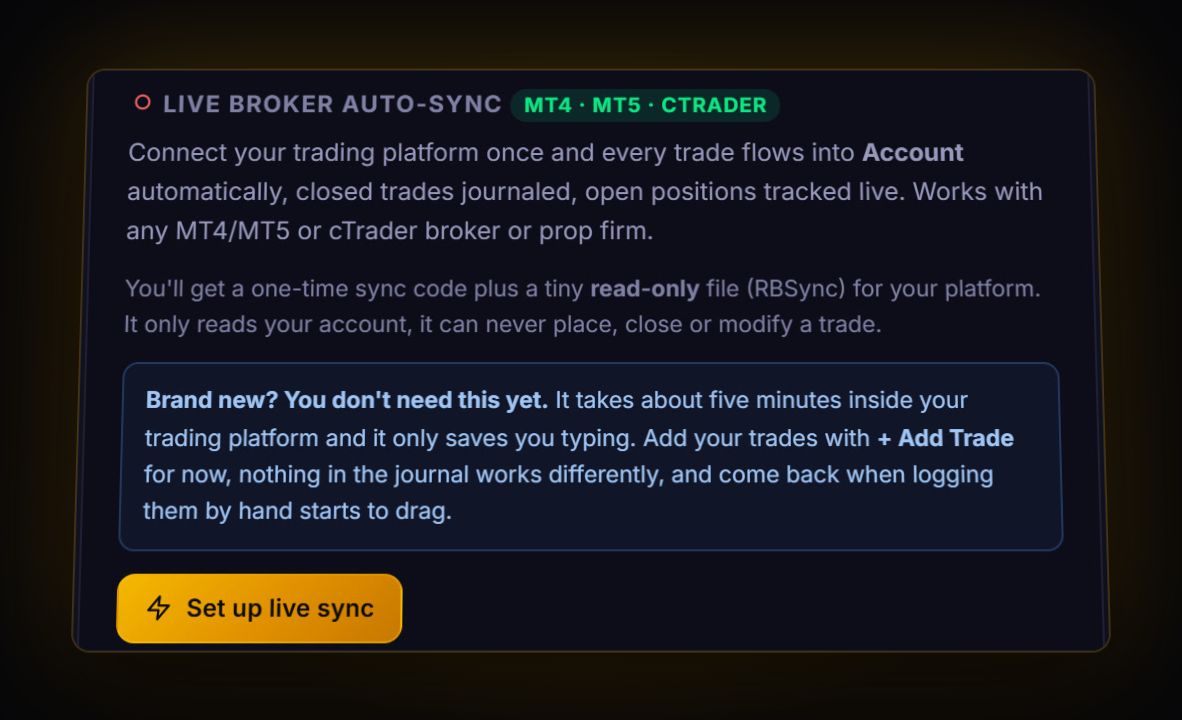
Live: RBSync EA on MT4 or MT5, RBSync cBot on cTrader. File: MT HTML or MT5 Excel report, or the cTrader history CSV, read directly by the journal. TradingView and Iress trades go through a file and the column mapper.
What to check once it is in
- Fees per trade by instrument. FX and metals carry commission; cTrader indices do not. Compare net R per instrument group.
- Target size against fees. Sort winners by pips. Your smallest winners show where fees bite.
- Sessions. With live sync times in UTC, the session view is reliable. See our trading hours guide for what each one does.
Iress and TradingView accounts
FP Markets also offers TradingView and, in Australia, Iress for share trading. Neither runs RBSync. For those, export from the platform and use the column mapper, tagging Symbol, Open date and the realised P&L at a minimum. If Iress share symbols carry an exchange suffix, keep it consistent so the same stock does not split into two symbols.
Quick answers
How do I export my FP Markets trade history?
In MetaTrader's Account History tab, right-click, choose Custom Period, enter your dates, then right-click and Save As Report. The statement opens as an HTML file.
Can FP Markets sync live to a trading journal?
Yes, for MT4, MT5 and cTrader accounts, using the read-only RBSync add-on.
What is FP Markets Raw commission?
FP Markets lists US$3 per lot each way, US$6 round turn, on FX and metals. On cTrader Raw, commodities, indices and crypto show zero commission.
Can FP Markets TradingView trades sync live?
No. Live sync covers MT4, MT5 and cTrader. TradingView trades need a file export and the column mapper.
Sources
- FP Markets: trading FAQ
- FP Markets: MT4/MT5 fees and charges
- FP Markets: cTrader fees and charges
- FP Markets: server time
Last checked: 8 October 2026. Brokers move menus and change fees without notice, so confirm the current steps and costs on FP Markets's own site before you rely on them.
Your broker history, finally readable
Import your file, see your R, sessions and fees in one place. The free plan holds 50 trades.
Start free, no card