Bitget trading journal: exports, limits and the time-zone trap
Bitget exports are website only. Go to the Order page, choose the order type, open Order history, click Download, pick the range, pair, format and fields, then Generate and download. Each request covers up to two years and you get 100 exports a month, in CSV, Excel or PDF. Funding and fee balance changes sit in the futures transaction history. Import the CSV through the journal’s generic mapper.
Last checked: 8 October 2026. Exchange menus, fees and rules change, so confirm on the exchange’s own site before you rely on them.
Bitget’s exports are flexible, with a field picker that lets you choose columns, but two details catch people. The app cannot export at all, and Bitget publishes its funding schedule in UTC+8. If your journal runs in London or New York time, the funding you paid can appear to land on the wrong side of a trade.
Export order history
- On the website, open the Order page and choose the order type in the left menu: spot or futures.
- Open the Order history tab and click Download.
- Choose the time range, the trading pair, the format (CSV, Excel or PDF) and the fields to include. Click Generate.
- Refresh, then download. You get an on-site notification when it is ready, and the link expires after 7 days.
Each request can cover up to 2 years, so split longer histories. You get 100 exports a month. There is also a dedicated data export page with a "Within 6 months" option, capped at 10,000 records per request, and an "All time" option.
When picking fields, include at least: order time, pair, direction, average price, filled amount and fees. Those map directly to what the journal needs.
Funding and fees: the futures transaction history
Balance changes from fees and other adjustments on futures sit in the futures transaction history, which you reach from your futures account records and can also download. Bitget’s help page describes it as fees and other balance changes. Look there for funding entries on positions you held through a funding time.
Bitget charges funding every 8 hours at 00:00, 08:00 and 16:00 UTC+8, with some coins on different schedules. Its base futures fee is 0.02% maker and 0.06% taker.
Converting UTC+8 funding times
Bitget’s funding times in UTC+8 are 00:00, 08:00 and 16:00. Subtract eight hours for UTC: 16:00, 00:00 and 08:00 UTC. So the same three moments, just labelled differently.
In London in summer (UTC+1) those are 17:00, 01:00 and 09:00. In New York in summer (UTC−4) they are 12:00, 20:00 and 04:00.
Now the mistake. A trader in New York reads "funding at 00:00, 08:00 and 16:00" as local times. They open a long at 11:30 and plan to close at 15:50, "before the 16:00 funding". In fact funding hit at 12:00 New York time, thirty minutes after they opened, so they paid one charge they thought they had avoided. Their notes say "no funding" and their net R is wrong.
Pick one time zone for your journal and make every export match it, by choosing it when the export offers a time zone, or by converting the time column before you import. Then funding, session stats and daily P&L all line up.
Fees on a typical futures trade
You open and close a 4,000 USDT position with market orders at the base taker rate of 0.06%. Fees: 4,000 × 0.06% × 2 = 4.80 USDT. With 1R at 40 USDT, that is 0.12R per round trip.
Enter with a limit order at the 0.02% maker rate and exit at market: 0.80 + 2.40 = 3.20 USDT, or 0.08R. Across 150 trades that difference is 6R.
Import into the RB Trading journal
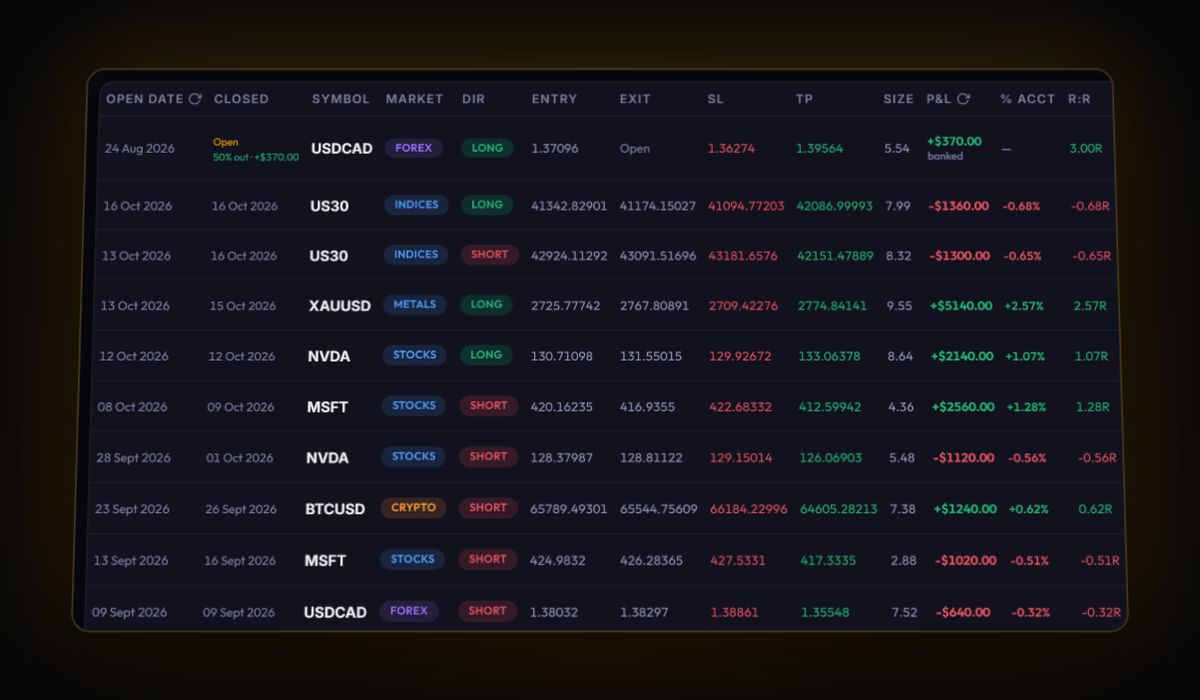
- Download as CSV or Excel. The journal accepts both.
- Check the headers. The generic mapper reads fills when it finds a symbol or pair, a side or direction, a quantity or filled amount, and a price. Rename anything it would not recognise, such as a pair column called "Trading pair", to
Symbol. - Import. Buys and sells are paired first in, first out into trades, and anything unmatched shows as an open position.
- Add the stop to each trade and enter the funding from the transaction history in the swap field.
If you copy other traders on Bitget, put those trades on their own account in the journal. Copied trades follow someone else’s plan, and mixing them with your own makes both sets of stats meaningless.
Bitget journal questions
Can I export Bitget trade history from the app?
No. Bitget's exports are on the website only. Use the Download button on the Order history tab of the Order page.
How much Bitget history can I export at once?
Up to 2 years per request, with 100 export requests a month. Longer histories need to be split into several files.
When does Bitget charge funding?
Every 8 hours at 00:00, 08:00 and 16:00 UTC+8, which is 16:00, 00:00 and 08:00 UTC. Some coins use a different schedule.
Sources
Track it in a journal that does the maths
Log the trade once. R, fees and the weighted average entry are worked out for you.
Start free, no card